
q880 – Bangladesh Online Casino and Sportsbook, Built for Mobile
We run a compact casino lobby — live tables, slots and a cricket-led sportsbook on one screen — and your bKash, Nagad or Rocket deposit goes straight into your account wallet.
Access may be available only where local law permits.
q880 · Bangladesh
Service availability depends on eligible regions and local law. Users should check local rules before opening an account.
What is on in the lobby



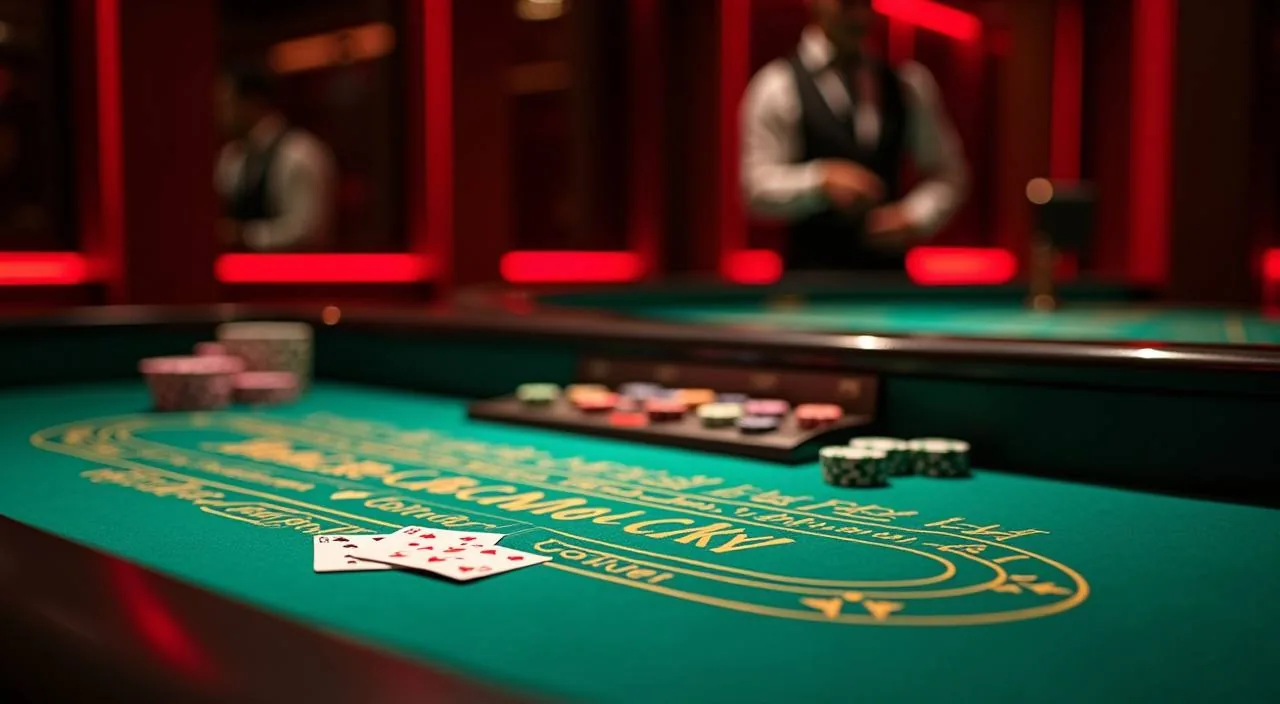
Inside q880: Tables, Slots and Crash Games
We have laid out live tables, slot rooms, crash games and a cricket-led sportsbook so the whole lobby sits one scroll away.
What to sort out before your first session
Opening an account is the first thing worth sorting. You pick a username, set a password, add your mobile number and confirm the one-time code we send to it. From there your account wallet is ready for a bKash, Nagad or Rocket deposit. Take a minute to look across the lobby tabs before you put money in, so you already know where the live tables, slot rooms and cricket markets sit. If any step stalls, chat support can walk you through it.
Opening your account
Tap the open-account button, choose a username and password, then enter your mobile number. We send a one-time code to that number, and confirming it finishes the setup. Your wallet is live straight after that.
Account basics
Your username and password get you back in from any phone or laptop. Keep your mobile number current, because that is where login codes and wallet confirmations arrive. Payment details sit under the wallet tab, not in the game screens.
What is available
The lobby holds live dealer tables, slot rooms and a sportsbook where cricket sits at the front. You switch between them from the header tabs without logging out. Crash Turbo and Teen Patti Royale are both a couple of taps from the home screen.
Getting unstuck
Chat is the quickest route if a code does not arrive or a wallet step looks wrong. Our team can check your account and explain what to fix. There is also an email address for anything needing a longer reply.
Playing from a phone on mobile data
The whole lobby runs in your phone browser, so there is nothing to install before you play. Slots load as portrait cards, the cashier fits a single column, and crash rounds keep their countdown readable on a smaller screen. On mobile data we keep the pages light — images come last and nothing streams until you open it. If your signal drops mid-session, the account wallet keeps the balance and the round shows its result when you reload. On desktop you get the wider layout with several tables in view at once.
How your account and money stay protected
Safety on a casino account comes down to a few separate layers, and each one does a different job. The connection between your phone and our servers is encrypted, so a login code or a wallet number cannot be read off the line. Signing in needs more than a password: we text a one-time code to your registered number. Every deposit and withdrawal leaves a record you can open in the wallet tab. Your personal details sit in the account system, apart from the game screens that only ever see your username.
Encrypted connection
Pages load over an encrypted connection, including the wallet screens where your bKash, Nagad or Rocket number appears. That covers the hop between your phone and our servers, so a code or a balance cannot be read off the line.
Login and one-time codes
Signing in from a new device asks for the code we text to your registered number. That holds even if someone has your password. If a code arrives when you are not logging in, change the password and tell chat.
Transaction records
Each deposit and withdrawal keeps its own entry in the wallet tab, with the amount, the rail used and the reference number. You can open that record and match it against your bKash, Nagad or Rocket history if something looks off.
How your details are held
Your name, number and wallet details live in the account system, and the game lobby only reads your username. Payment identifiers are kept for reconciliation and are not shown to other players or used in lobby screens.
Offers for a first account
Applies to your first deposit through bKash, Nagad or Rocket once your account is confirmed. Terms apply.
Open your account
Applies to your first cricket market on the sportsbook side of the lobby. Terms apply.
Open your accountbKash, Nagad and Rocket in your wallet
Deposits run through the wallets you already use every day. Open your bKash, Nagad or Rocket app, send the amount to the number the cashier screen shows, then enter your PIN to confirm. The transfer lands in your account wallet and the balance updates on the same screen you started from. Withdrawals follow the same rails: request the amount, and we check that the wallet number matches the one on your account before anything is released. Keep both numbers identical and the check stays short.
Phone, tablet or desktop
The lobby runs in your browser on all three, with the cashier in one column on a phone and side by side on a desktop.


Platform at a glance
| Game providers | Pragmatic Play, Evolution, Nolimit City, NetEnt |
|---|---|
| Game categories | Live Casino, Slots, Sportsbook |
| Sports betting | Included |
| Accepted currency | BDT |
| Payment methods | bKash, Nagad, Rocket, Upay, Bank Transfer |
| Customer support | Live chat and email |
Ways to reach the support desk
Most questions we get are about wallet steps, so chat sits at the front. Open the chat panel from any page and describe what you see — a code that did not arrive, a deposit your wallet confirms but the lobby does not, a withdrawal still waiting. Have your account number and the wallet reference ready; that shortens the check. Email suits anything with screenshots or a longer explanation, and replies go back to the address on your account. The support desk works on Bangladesh time, so the team is awake when you are.
Slot Rooms, Live Tables and Crash Rounds
Crash Turbo
Holdem Champions
Slot Blenders
Blackjack Topplay
Baccarat Night Room
Monsoon Magic Slots
From register to withdrawal
Choose a username, password and mobile number, then confirm the code we text you.
Send from bKash, Nagad or Rocket to the number the cashier shows and confirm with your PIN.
Open a slot room, a live table or a cricket market from the lobby tabs.
Set your stake before a round starts, not while it is already running.
Finding a table, a slot or a cricket market
The lobby is built around three tabs and one wallet, and knowing which is which saves the most time. Slots sits on the left, live casino next to it, sportsbook on the right. Inside slots, the search field takes a title — type Monsoon Magic Slots and it appears before you finish the word. Live casino groups tables by game type, so Baccarat Night Room and Dragon Tiger sit under their own headings rather than in one long list. Sportsbook opens on cricket by default; the market list runs down the left of the screen.
Switching to live tables
Tap the live casino tab, pick a table type first, then a stake level. Baccarat Night Room runs a dealt shoe with a live host; Dragon Tiger settles on one card each side. Your balance stays on screen.
Finding a crash round
Crash games sit in their own strip, not among the slots. Crash Turbo shows a multiplier climbing from one and a cash-out button you press before it busts.
Cricket markets
Sportsbook opens on cricket and keeps BPL matches, internationals and franchise leagues in one column. Pick a match, then a market, then your stake. Prices move while you decide, so the slip refreshes before you confirm.
Reaching your account
Your username in the header opens the account area. Wallet, transaction records, login codes and contact details all sit there. Nothing in the lobby changes your wallet settings without you confirming it from that panel first.
Questions we get asked most (FAQ)
These are the questions that come up in chat again and again, answered the same way we answer them live. If yours is not here, the chat panel on any page reaches the same desk that wrote these replies.